A story generator for kids should not make story time feel farther away from your child.
The best version does the opposite. It gives a child a small way to begin, turns that idea into pages, and leaves the family with something to read aloud together.
That distinction matters. Parents are not usually searching for a kids story generator because they want more screen time for its own sake. They are searching because a child has big ideas, bedtime is starting, a classroom needs a quick story starter, or everyone is out of energy for inventing from scratch.
The useful question is not, "Can this tool make a story?" The useful question is, "Can this tool help my child feel like the author and give us something worth reading?"
If you want the official app path first, visit the Storybox app page. If you want the AI-specific version of this guide, start with AI story generator for kids.
What is a story generator for kids?
A story generator for kids is a tool that helps turn a prompt into a child-friendly story. Some tools are text-only. Some create illustrated pages. Some ask for typed prompts, while others let children speak their ideas out loud.
For families, the format matters less than the reading moment it creates.
A strong kids story generator should:
- start with the child's idea whenever possible
- keep the prompt simple enough for a child to understand
- create a story with a clear ending
- make room for a grown-up to read along
- avoid turning one story into an endless feed
- let families save or revisit favorites when they work
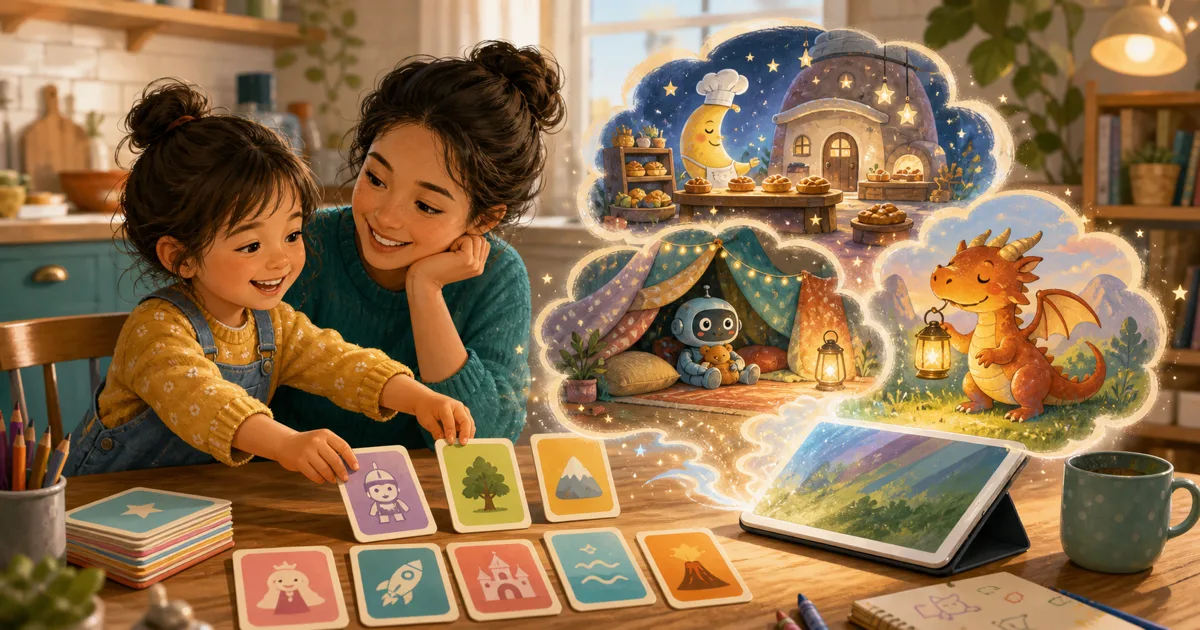
Storybox is built around that shape. A child says a story idea, Storybox turns it into illustrated pages, and the family can read the finished story together.
Start with one idea, not a full plot
Many adults accidentally make story prompts too complicated.
They ask for a lesson, a setting, a hero arc, a theme, a tone, and an ending. That may help a professional writer, but it is a lot for a tired child.
For kids, one idea is enough.
Try this formula:
A character + a place + a tiny problem.
Examples:
- A tiny dragon in a moon library who loses a paper airplane
- A penguin chef in a pillow fort whose pancakes float away
- A robot on a school bus who forgets the secret handshake
- A turtle astronaut in a bathtub rocket who cannot find Mars
- A stuffed bear in a blanket castle who needs a bedtime song
This structure gives a story generator enough direction without taking the story away from the child. It also gives parents an easy way to help when the first answer is, "I don't know."
Why voice-first prompts help younger kids
Typing can make story creation feel older than it needs to be.
A child may not be able to spell "astronaut," but they can absolutely tell you about an astronaut who runs a pizza shop on the moon. They may not know how to write a paragraph, but they can say, "Make it about our dog finding a tiny door."
That is why voice-first story creation can be useful for younger children. The child supplies the spark in the same way they already tell stories: out loud, with interruptions, additions, and sudden changes of direction.
In Storybox, a spoken prompt can be short. A grown-up can help shape it into something simple, and then the finished illustrated story becomes the reading moment.
That is different from handing a child a blank page and asking for a complete beginning, middle, and end.
What parents should look for
If you are comparing a kids story generator, look past the novelty first.
Ask practical questions:
| Parent question | Why it matters |
|---|---|
| Does the child choose the starting idea? | The story feels more connected when the child supplies the spark. |
| Is there a clear end to the experience? | A finished story is easier to transition away from than an endless feed. |
| Can a grown-up read along? | Shared reading keeps the moment connected to family life. |
| Can we save the stories that work? | Favorites can become repeat read-alouds instead of one-time outputs. |
| Are parent-facing controls clear? | Account, purchase, and sharing choices should belong to grown-ups. |
The right tool should make the story easier to start and easier to share, not harder to manage.
For a deeper trust checklist, our AI story generator for kids parent guide walks through how to evaluate story tools before using them with children.
A story generator should lead back to reading
This is the part parents can feel quickly.
After the story is created, what happens next?
If the child taps through and asks for another generated thing immediately, the tool may be acting more like entertainment than a reading helper. If the child points to a picture, asks what a word says, laughs at a character, or wants someone else to hear it, the story has become more useful.
That does not mean every generated story needs to become a treasured favorite. Some stories are silly and gone. That is fine.
But the best story generator for kids gives the family a second step:
- read the first page together
- ask which detail came from the child
- choose a favorite illustration
- save the story if it lands
- make a gentle sequel another day
The screen begins the story. The read-aloud makes it matter.
Prompt examples for different moments
Different family moments need different prompts. A bedtime story generator prompt should feel different from a rainy-day prompt or a classroom warm-up.
Bedtime
Keep the problem small and soft:
- A sleepy dragon finds a blanket for the moon
- A pillow fort becomes a quiet castle for tired stars
- A tiny train delivers pajamas to every house
- A moon library searches for its missing lullaby
Ask: "What would help the character feel sleepy?"
Car rides and waiting rooms
Keep the idea quick and funny:
- A suitcase that tells jokes when it opens
- A paper airplane that accidentally becomes a tour guide
- A snack bag with a tiny weather system inside
- A bus that only stops at imaginary places
Ask: "Should this story be calm or silly?"
Personalized stories
Use one familiar detail:
- Our dog becomes a detective and finds a blue rain boot
- A stuffed bear opens a bakery for sleepy dragons
- Grandma's kitchen has a cookie jar that leads to the moon
- A favorite blanket becomes a map for a tiny explorer
Ask: "What real detail should the story borrow?"
For more on choosing personal details carefully, read personalized stories for kids.
Classrooms and homeschool
Keep the structure visible:
- A pencil detective solves a mystery in the library
- A classroom plant writes a note at night
- A reading rug becomes an island
- A science fair volcano only erupts glitter
Ask students to name the character, setting, problem, and one possible ending before reading.
What to avoid
Not every prompt belongs in a children's story generator.
Avoid prompts that are:
- too scary for the child or moment
- mean toward a real person
- full of private information
- too long for the child to follow
- built around a heavy problem that needs a real adult conversation
- designed to keep generating forever instead of reading one story
This does not mean stories can never touch feelings. Children's stories often help kids think about bravery, frustration, friendship, or change. But a story app should not be asked to replace a parent, caregiver, teacher, pediatrician, or other trusted adult when a child needs support.
Keep the prompt light enough for the moment you are in.
How Storybox fits
Storybox is a kids story app and AI story generator for kids built around child-led prompts and family reading.
The app starts with a spoken idea. That means younger children can help create a story before they can type one. It also means the best prompt can be ordinary and quick:
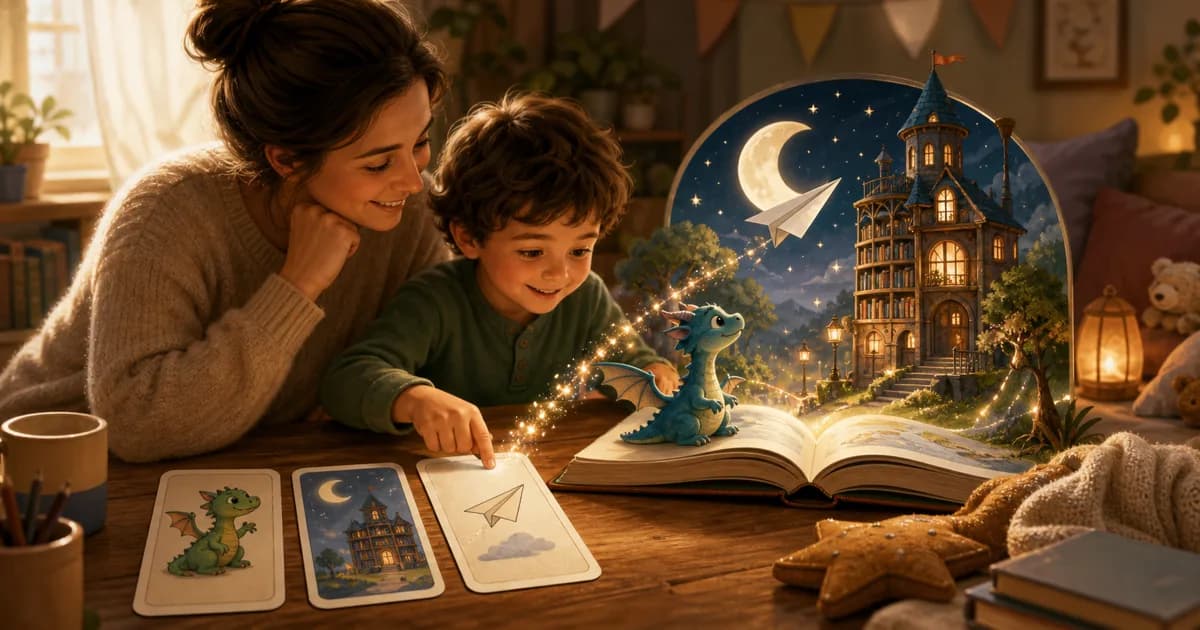
"A tiny dragon in a moon library who loses a paper airplane."
Storybox turns that idea into illustrated pages. Then the family can read the story aloud, save it, share it with trusted people, or bring the character back another day.
The goal is not to make children generate endlessly. The goal is to help them make something they want to read.
A quick parent checklist
Before using a story generator with your child, try this:
- Ask for one character.
- Ask for one place.
- Ask for one tiny problem.
- Add one personal detail only if it helps.
- Read the finished story out loud.
- Save it only if your child wants it again.
That routine keeps the tool in its place. It helps start a story, but it does not become the whole story time.
Frequently asked questions
What is the best story generator for kids?
The best story generator for kids is the one that fits your family routine. Look for child-led prompts, clear endings, grown-up involvement, and stories that are easy to read aloud. For Storybox, the focus is spoken ideas, illustrated pages, and shared reading.
Is a story generator different from an AI story generator?
Sometimes. "Story generator" is the broader phrase parents use for tools that create stories from prompts. Many modern story generators use AI, but parents often care more about the experience: who starts the idea, whether the story is age-appropriate for the moment, and whether the family can read it together.
Can younger kids use a story generator before they can write?
Yes, if the tool supports spoken ideas or a grown-up can help enter the prompt. Younger children often have strong story ideas before they can write them down. A simple character-place-problem prompt can let them participate.
What should my child say first?
Start with one sentence: "A character in a place with a tiny problem." For example, "A penguin in a pillow fort who loses its pancake." If your child wants to add more, ask for one detail instead of a whole plot.
Should we make a new generated story every night?
No. If a story works, save it and read it again. Rereading a favorite can be calmer and more meaningful than generating something new every time.
Make the child the author
A story generator for kids is most useful when it keeps the child in the author's seat.
Let the child choose the dragon, the library, the paper airplane, the dog detective, or the moon bakery. Let the app help shape the pages. Then let the grown-up voice bring the story back into the room.
That is the loop worth protecting: create, read, talk, and return to the stories that feel like yours.