Make the machine specific
A robot that sorts socks is more interesting than a robot that simply saves the world.
Robot stories
A robot can have a map, a mission, and a very confusing feeling. Your child chooses the robot's job and problem, and Storybox turns it into an illustrated story with a human-sized question inside.
A robot that sorts socks is more interesting than a robot that simply saves the world.
The story can explore friendship, curiosity, mistakes, or wanting to belong through a character that is learning.
The robot's shape, sounds, tools, and rules all come from the child's idea.
Each of these started as one idea said out loud. They are free to read, with a picture on every page and a button that reads them aloud.
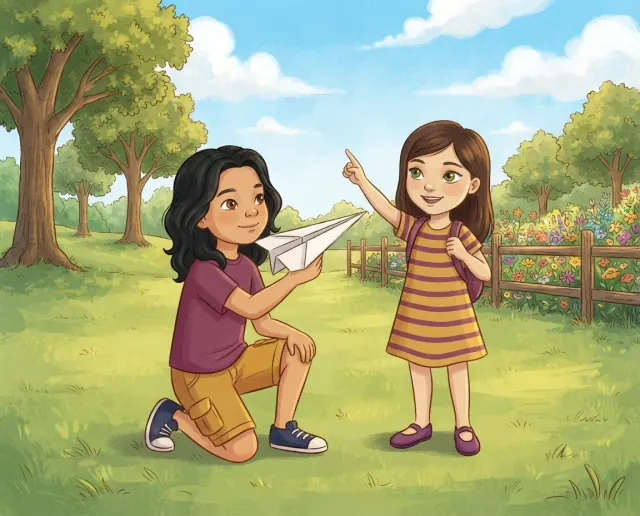
Caleb's paper airplane flies over the fence, and when he and Kate follow it they find a whimsical garden and a small robot friend.
Ages 4 to 6 4 min read
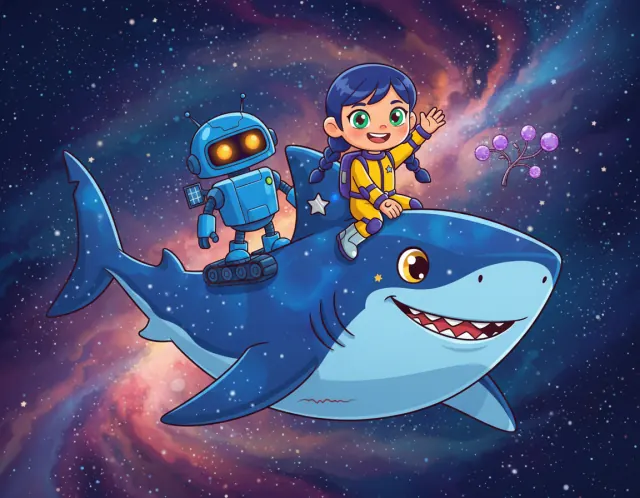
Kaito the space shark is missing his favorite treat, so Anya and her robot Bolt swim with him past nebulas and asteroids to find it.
Ages 4 to 6 4 min read
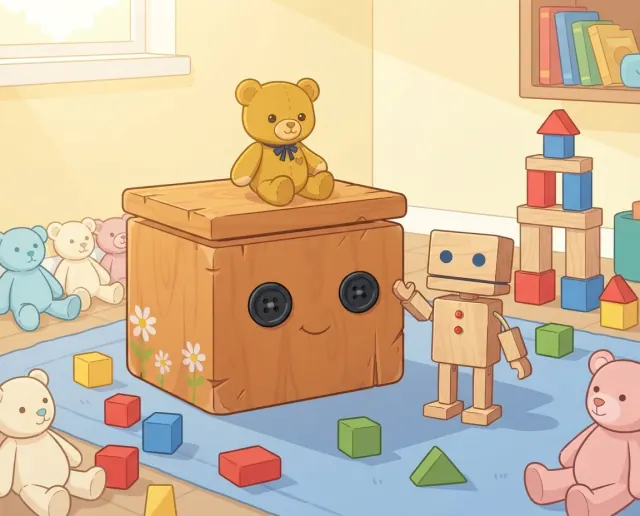
Every morning the toys wake up in new places, until a teddy bear and a block robot discover what their toy box has been building.
Ages 4 to 6 4 min read
Storybox keeps the flow simple so families can spend more time reading and less time managing screens.
Your child says what it builds, fixes, delivers, protects, or does badly.
A missing button, strange signal, or new friend can interrupt a routine.
The story can end with a choice, not a lecture about being human.
A robot that cannot do everything has more room for a story.
A beep, wobble, or wrong announcement can make the character feel like yours.
The answer often reveals the heart of the story.
Yes. Choose the robot's job, design, problem, and the thing it is trying to understand.
Yes. A robot with a small, silly job can make a wonderful story.
It can explore technology in an age-appropriate fictional way, with a child-led story at the center.
Yes. Save favorite stories and use the character as a starting point again.