The difference between "AI made me something" and "I made a story" can be one tiny choice.
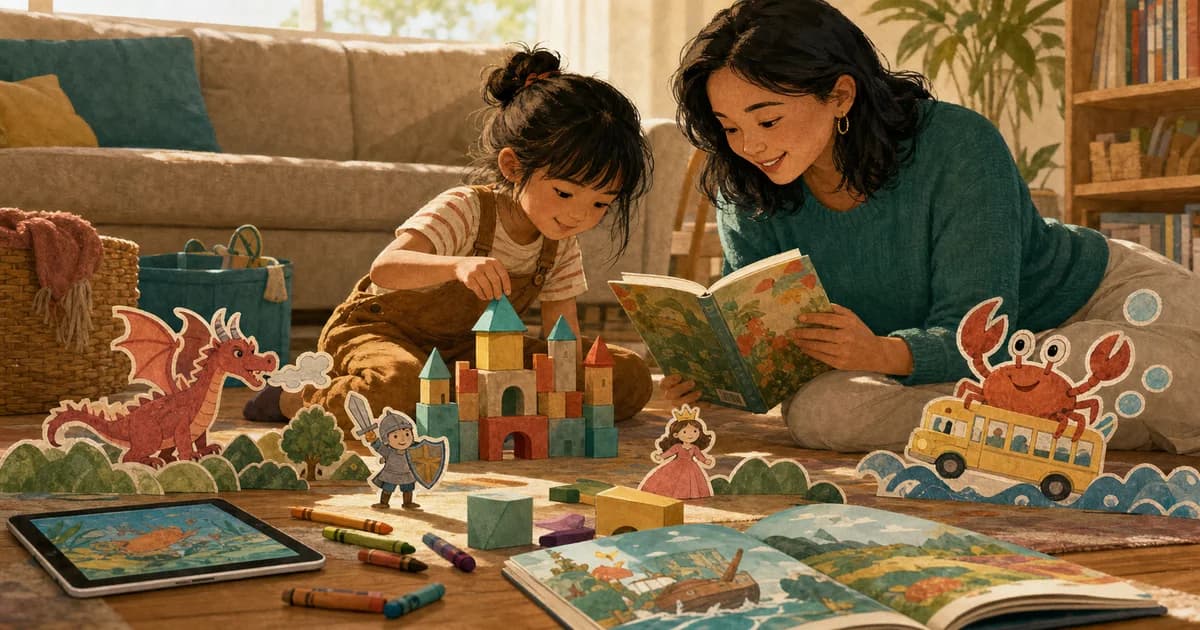
Maybe your child chooses the crab. Maybe they decide the school bus fills with bubbles. Maybe they add the family dog at the last second because the dog always makes everything better.
Those choices matter. If the screen keeps serving content, your child is mostly the audience. If your child gives the idea, changes a detail, laughs at the result, and reads the finished story with you, the screen is doing a different job.
That is how Storybox thinks about AI for kids: use it as a doorway into creativity, not as another endless place to sit.
Try this first
To help kids use AI creatively:
- start with the child's idea
- keep the prompt short
- choose one personal detail
- read the finished story aloud
- do something off-screen afterward
The goal is not "more AI." The goal is a child who feels like they made something.
The parent concern is reasonable
When parents hear "AI for kids," they may picture a child alone with a chatbot or a screen that never ends.
That concern is fair. Kids do not need more tools asking for their attention just because the tools are new.
But AI can also be used in a narrower, more family-friendly way. It can help a child turn a spoken idea into a finished story. It can help a grown-up who is tired at bedtime. It can make a child proud enough to read a page twice.
The important part is the container around it.
Storybox is one version of that container: a kids story app where the child's prompt becomes an illustrated story meant to be read.
Let the child be the author
The simplest way to keep AI creative is to let the child supply the seed.
Instead of asking:
"What should the AI make?"
Try:
"Who should be in your story?"
Then:
"Where are they?"
Then:
"What tiny problem happens?"
That turns a vague AI moment into a story-making moment.
Example:
| Question | Child answer |
|---|---|
| Who is in the story? | A crab |
| Where are they? | On a school bus |
| What goes wrong? | The bus fills with bubbles |
Prompt:
"A crab on a school bus that fills with bubbles."
The prompt is silly, clear, and child-owned.
Use voice when typing gets in the way
Many children have more story in their voice than in their writing.
They may not be ready to type "submarine," but they can tell you about a submarine in a bathtub. They may not spell "detective," but they can describe the family dog solving a mystery.
That is why voice-first creation can matter. It lets the child's idea arrive in the way children often tell stories already: out loud, with quick changes and surprising details.
In Storybox, kids can start with their voice. The app handles the transformation into illustrated pages, and the family handles the reading.
For more on prompt structure, use AI story prompts for kids.
Turn the finished story into a real reading moment
After a story is created, slow down.
Do not rush straight into another prompt.
Try:
- Read the first page out loud.
- Ask which detail came from your child.
- Let your child choose a favorite picture.
- Pick one funny word to repeat.
- Save the story if they want to hear it again.
That is where the experience stops being something the screen made and starts becoming a shared story.
If you are thinking about screen time more broadly, our positive screen time for kids guide explains the question we use: what is the screen helping your child do?
Add an off-screen follow-up
One of the easiest ways to make creative screen time feel better is to let it spill into the room.
After the story, ask your child to:
- draw the main character
- build the setting with blocks
- act out one page with toys
- tell a sequel at dinner
- call a grandparent and explain the story
The AI helped start something. Your child keeps it going.
That is a useful test. If the story sparks conversation, drawing, pretend play, or reading, the screen did not own the whole moment.
Keep the prompt safe and light
Story prompts for kids should not carry more than the moment can hold.
Avoid:
- private information
- prompts about real people in mean ways
- scary ideas right before bed
- heavy emotional topics that need a grown-up conversation
- long instructions your child cannot understand
Instead, use familiar, low-stakes details:
- a pet
- a favorite blanket
- a silly food
- a place your child knows
- an imaginary creature
- a tiny problem
The story can still have feelings. It just should not be asked to replace a parent, teacher, counselor, pediatrician, or other trusted adult.
How Storybox fits
Storybox is built for families who want AI to lead somewhere warmer than another stream of things to watch.
The child gives the idea. Storybox creates the illustrated story. The grown-up reads along. The story can be saved, shared with trusted people, or revisited later.
That makes AI feel less like a content machine and more like a creative tool.
If you want to try it with your child, start with one sentence:
"A [character] in a [place] with a [tiny problem]."
Then read what your child helped make.
Parent questions
How can kids use AI creatively?
Kids can use AI creatively when they provide the idea, make choices, and use the result for reading, drawing, pretend play, or conversation. The child should feel involved, not replaced.
Is AI story creation just more screen time?
It can be if the experience is endless and passive. It can feel different when the child creates one story, reads it with a grown-up, and moves naturally to an off-screen activity.
What is a good first AI story prompt for kids?
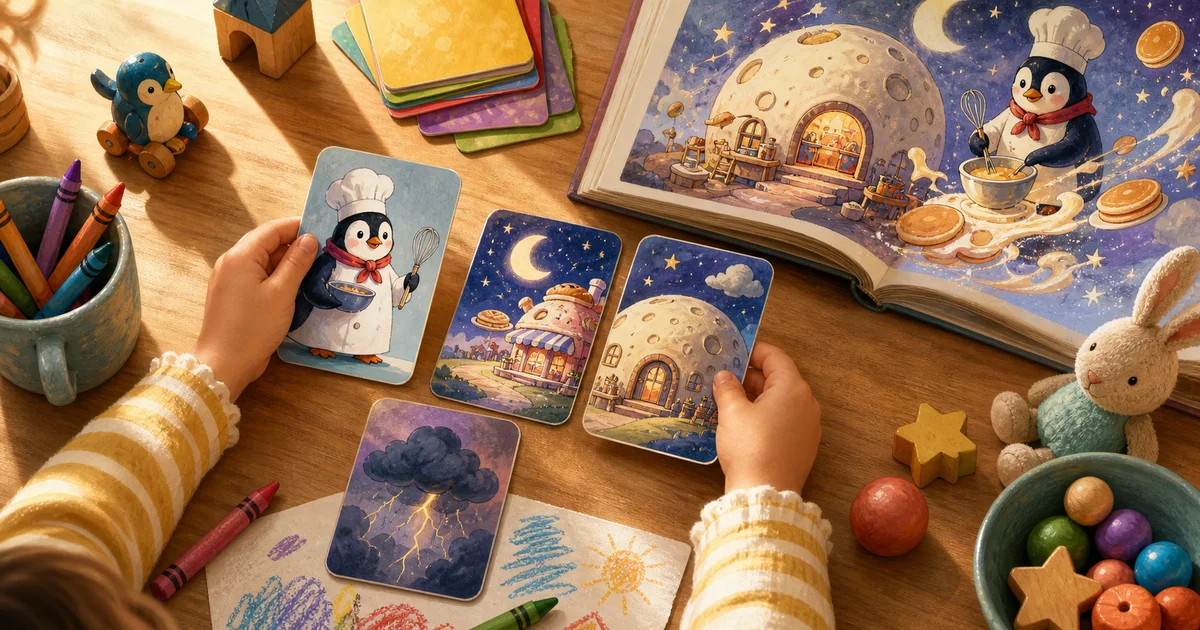
Start with one character, one place, and one tiny problem. For example: "A turtle astronaut in a moon bakery whose cupcakes float away."