The best AI story app for your child is not always the one with the longest feature list.
Parents usually want something simpler and harder to fake: a tool that helps their child make a story, keeps the experience understandable, and leads back to reading instead of endless tapping.
That is especially important with AI. The novelty is easy to see. The family fit takes a little more attention.
This checklist is for parents, grandparents, teachers, and caregivers comparing AI story apps for children. It does not pretend every family needs the same thing. It gives you a way to look past the shiny demo and ask whether the app will actually create a good story moment in your home.
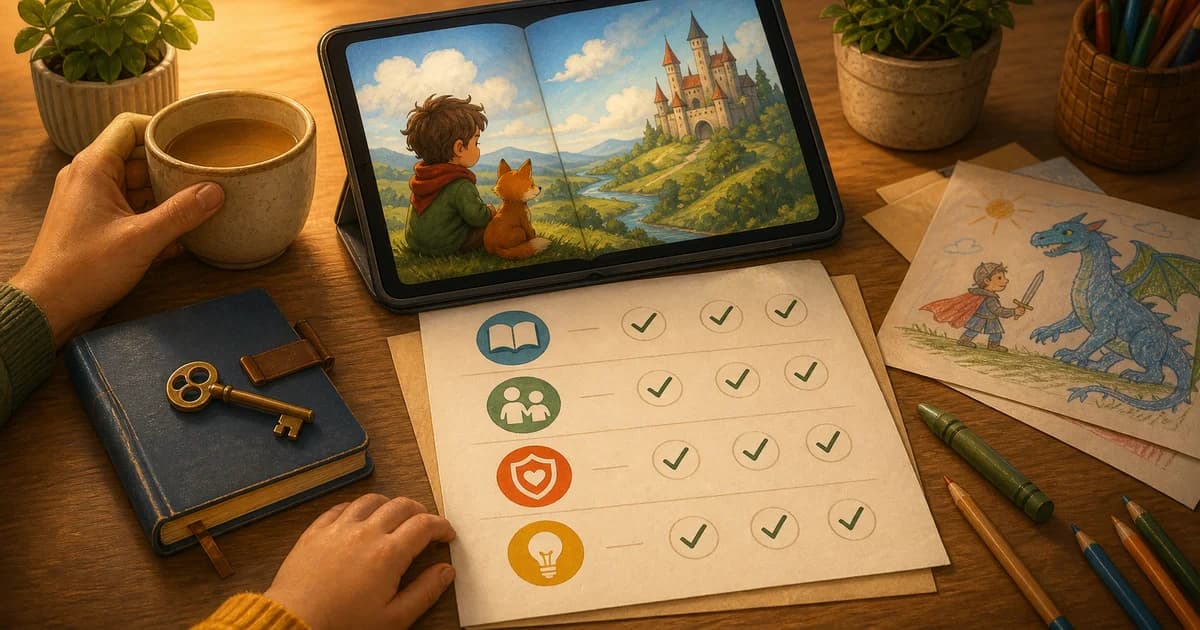
Parent checklist
When comparing AI story apps for kids, look for:
- child-led creation
- simple prompts
- clear parent-facing controls
- stories with endings
- read-aloud-friendly pages
- privacy and purchase information you can understand
- easy ways to save favorites
The right app should help your child feel like the author, not just the audience.
For a deeper Storybox-specific overview, see our AI story generator for kids parent guide.
Start with the job you want the app to do
Before comparing features, name the job.
Are you looking for:
- bedtime story help?
- a creative screen-time option?
- story starters for a classroom?
- a way for grandparents to share stories?
- support for a child who has ideas but does not type yet?
Different tools can be useful for different jobs. A text-only generator may be enough for an older child who loves writing. A younger child may need voice input, pictures, and a grown-up nearby. A classroom may need quick prompts that make story structure easy to discuss.
Storybox is strongest when the goal is child-led illustrated stories that families can read together.
Look for child-led prompts
This is the first filter.
Does the app ask your child for an idea, or does it mostly serve them ideas?
There is nothing wrong with examples or suggestions. Kids sometimes need a starting point. But the finished story feels different when the child supplied the spark:
- the dragon's name
- the setting
- the tiny problem
- the family dog
- the silly object that should appear
In Storybox, children can start with a spoken prompt. That matters for younger kids because they may have strong story ideas before they can type them.
If you want to practice that structure first, try our guide to creating your own stories with kids.
Make sure the story leads back to reading
AI can create text quickly. That is not the same as creating a good family reading moment.
Ask:
| Parent question | Why it matters |
|---|---|
| Can a grown-up read the finished story aloud? | Shared reading keeps the experience connected. |
| Are the pages comfortable to move through? | A story should feel like a story, not a chat log. |
| Does the story end? | Endings help transitions. |
| Can favorites be saved? | Good stories can become repeat read-alouds. |
Stories with beginnings and endings are easier to use in real family life. You can read one, talk about one page, and stop.
That is why Storybox is also a kids story app, not just a prompt tool.
Compare the screen-time shape
No app is automatically "good screen time" because it uses a creative label.
Look at the shape of the session.
Does the app encourage your child to:
- make something?
- talk about it?
- read it with someone?
- stop at a natural point?
- carry the idea into drawing, pretend play, or another conversation?
Or does it keep feeding the next thing?
For Storybox, the ideal loop is simple: create a story, read it, save it if it lands, and come back another time. That fits the way we think about positive screen time.
Check parent trust signals
Parents should not need to decode an app before letting a child use it.
Look for plain answers to questions like:
- What does the app do?
- Who is the app for?
- Are purchases controlled by grown-ups?
- Can stories be shared?
- What privacy information is available?
- Is there a clear way to get help?
Avoid apps that make big claims without explaining the everyday experience. For children, the practical details matter.
Our Storybox app page keeps the official product summary in one place.
Watch one real session
A feature list can only tell you so much.
Try one story and watch the room.
Does your child lean in?
Do they add details?
Do they want to show someone?
Do they ask you to read a page again?
Do they calmly move on when the story is over?
Those little observations tell you whether the app fits your family better than a hundred screenshots.
Where Storybox fits, and where it may not
Storybox is designed around a narrow promise:
A child shares an idea. Storybox turns it into an illustrated story. The family reads it together.
That means the app is not trying to be every kind of AI tool. It is not a homework writer, an endless video feed, or a general chatbot for kids. It is a story maker for kids focused on child-led story creation.
That also means Storybox is probably not the right fit if you want long-form writing lessons, open-ended chat, or a tool that produces printable worksheets. It is strongest when the goal is a short illustrated story a child helped make and a grown-up can read.
That focus is useful for parents because it gives the experience a clear beginning and end.
Parent questions
What is the best AI story app for kids?
The best AI story app for kids depends on your family's goal. Look for child-led prompts, clear parent controls, read-aloud-friendly stories, natural endings, and an experience that does not become an endless feed.
Is an AI story app different from a story generator?
Sometimes. "Story generator" can mean a text tool, a prompt tool, or an illustrated story app. An AI story app for kids should be designed around the child and family experience, not only the output.
Can younger kids use AI story apps?
They can when the app is simple enough and a grown-up is involved. Voice input can help younger children share ideas before they can type.
How does Storybox use AI?
Storybox uses AI to help turn a child's spoken idea into an illustrated story. The technology helps make the pages, but the goal is still reading, creativity, and a family story moment.