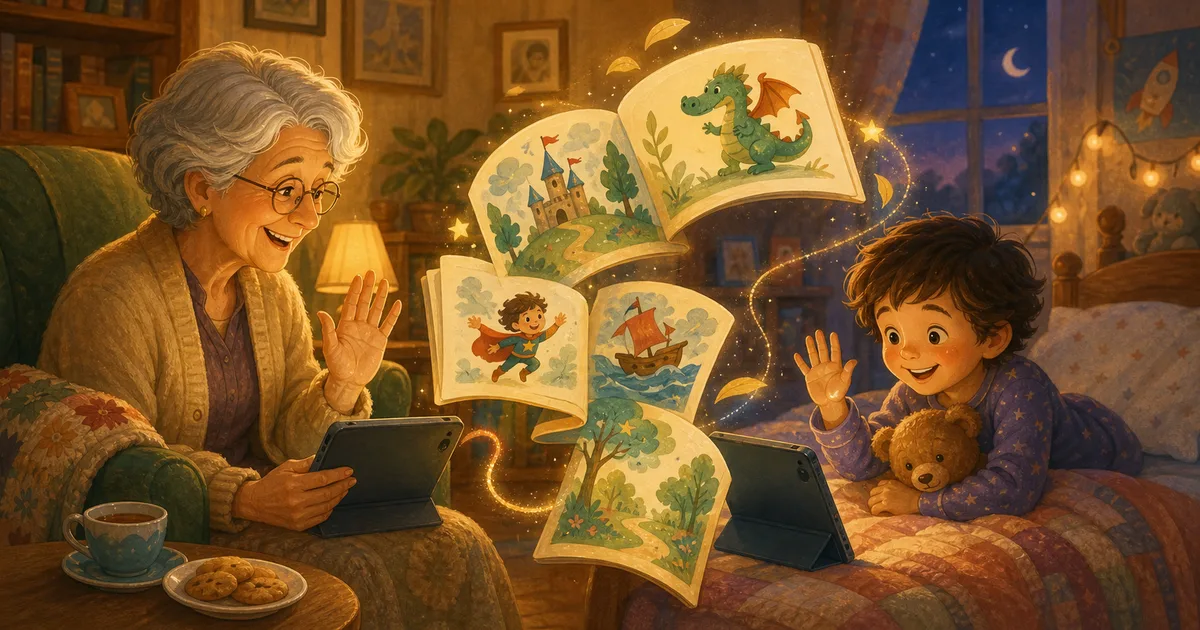
"Can we show Grandma?"
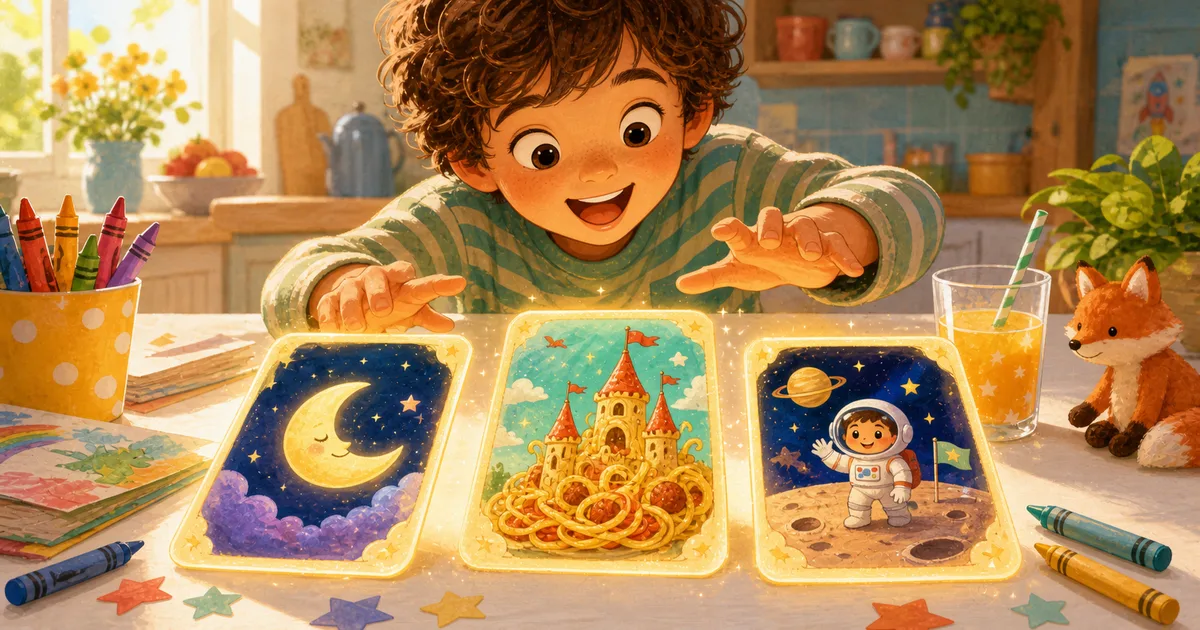
That question comes up a lot when kids make something. A drawing. A tower. A joke. A story about a raccoon astronaut who opens a bakery on Mars.
Storybox now makes that moment easier. When your child creates a story they love, you can share it with grandparents, family, or a teacher through a simple reading link.
If you are comparing broader apps for grandparents and grandchildren, start with the kind of shared moment you want the app to create.
Quick take
| Before | Now |
|---|---|
| Stories mostly stayed inside the app | Parents can share a story link |
| Family needed to be nearby to read along | Grandparents can open the story in a browser |
| A favorite story was harder to pass around | A child can proudly show what they made |
Why sharing matters for kids
Children often create for an audience.
They draw pictures for the fridge. They build block towers and call someone over. They repeat jokes until the whole room has heard them. A story is no different.
When a child knows a grandparent or teacher might read what they made, the story can feel more meaningful. It becomes a little gift, not just a file saved somewhere.
That does not mean every story needs to be shared. Some stories are just for bedtime. Some are silly experiments. But when a child makes one with a person in mind, Storybox now gives parents an easy way to send it.
What the shared story feels like
The person receiving the story does not need to install Storybox just to read.
They open a link, see the illustrated story, and read through it in the browser. That makes it useful for the real ways families communicate:
- a text to a grandparent after bedtime
- a link to a teacher after a classroom-themed story
- a quick "look what she made" message to an aunt, uncle, or cousin
- a FaceTime read-aloud where everyone can follow the same pages
It keeps the focus on the story, not the setup.
Sharing stays in the parent lane
Kids can be the authors. Grown-ups should still handle sending things outside the app.
That is the balance we want Storybox to keep. Children get to create freely inside a family-friendly space. Parents decide when a story should be shared and with whom.
If you want more detail about the way we think about family safety, the parents page is the best place to start.
Try this prompt
Before the next story, ask:
"Who should this story be for?"
That one question can change everything. A child might pick Grandpa, a best friend, a teacher, or a sibling. Suddenly the story has a reason to exist beyond the screen.
Here are a few easy starts:
- "A story for Grandma about a garden that grows stars"
- "A story for my teacher about a pencil that learns to dance"
- "A story for my cousin about two dragons who become pen pals"
A small family bridge
We love this update because it makes Storybox feel less like a single-device activity and more like a family bridge.
A child imagines something. Storybox helps turn it into a story. Then someone they love gets to read it too.
That is a pretty good reason to make another one.