Apps for grandparents and grandchildren are best when they create something to talk about.
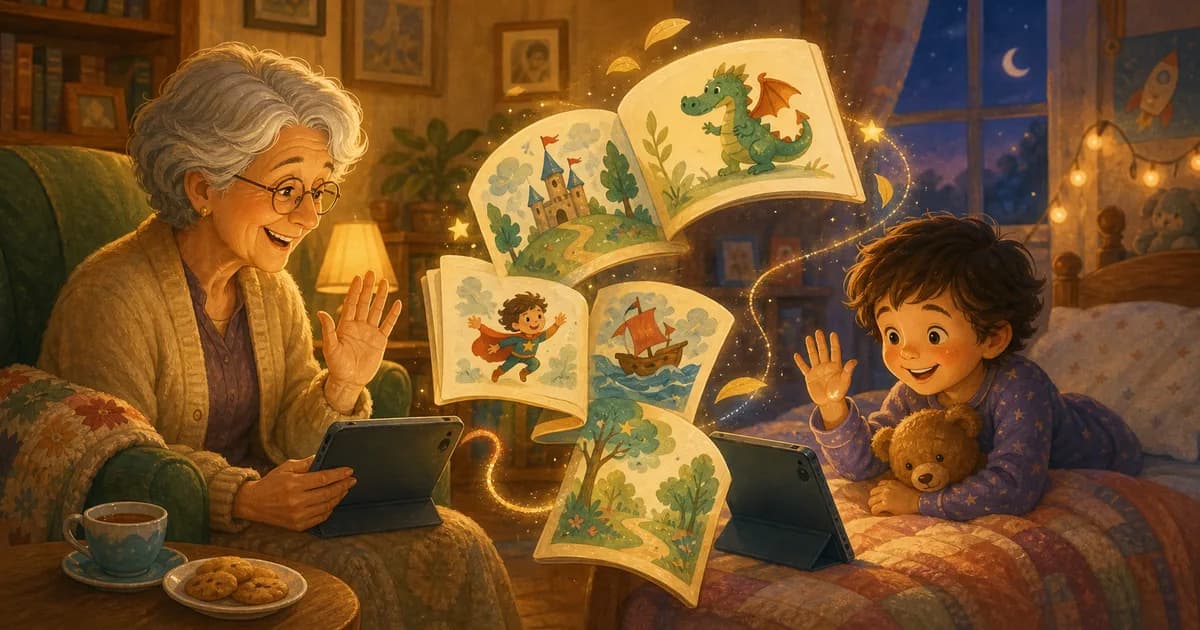
Video calls are wonderful, but they can also get wiggly fast. A child answers one question, disappears under the table, returns with a toy, and forgets what Grandma asked. That is family life. It is also why a shared story can help.
When parents search for apps for grandparents, they are usually looking for something warmer than another inbox. The best fit is often a simple shared activity: a child creates a story from their own idea, then a parent shares it so someone they love can read along.
Quick take
For grandparents and grandchildren, a good app should:
- give them something specific to share
- work for short attention spans
- support reading aloud
- avoid complicated setup during the moment
- make the child feel proud of what they made
Storybox works well when the goal is not just another screen, but a story they can enjoy together.
The simplest version is this: the child makes a story, the parent shares it, and the grandparent has something concrete to read, ask about, and remember next time.
That is different from handing everyone another chat app or video call activity. A shared story gives the call a small purpose. It also lets the child lead from imagination instead of having to perform a perfect conversation on demand.
Why stories help long-distance family time
Children do not always know how to summarize their day.
"What did you do today?" can get a shrug.
But "tell me about this story you made" is easier. There is a character, a picture, a funny problem, and a reason to point at the page.
Grandparents get a window into the child's imagination. Children get to be the expert. The conversation has somewhere to go.
That matters most when family does not live nearby. A grandparent may not know the child's current classroom friends, favorite playground, or latest pretend game. A child-made story gives them a fresh shared object. The grandparent can ask about the character, the picture, the silly problem, or the ending without putting pressure on the child to recap real life.
For shy kids, that can feel easier. For energetic kids, it gives the call a track to stay on. For grandparents, it offers a way to participate in the child's creative world even from another city.
What to look for in apps for grandparents and grandchildren
The best apps for grandparents and grandchildren do not need to do everything. They need to make one shared moment easier.
Look for:
| Need | Why it matters | What helps |
|---|---|---|
| Simple sharing | Grandparents should not need a long setup during the call | A parent-controlled story link |
| A clear activity | Open-ended calls can drift quickly | A story, page, picture, or prompt to discuss |
| Short sessions | Young children may only focus for a few minutes | One finished story or a few favorite pages |
| Child ownership | The child should feel proud, not quizzed | A story based on the child's own prompt |
| Reading aloud | The screen should support connection | Pages that can be read together |
If an app only adds another feed, game loop, or inbox, it may not solve the real problem. The goal is not more screen time with relatives. The goal is a warmer reason to talk.
Story apps vs video calls vs family messaging
Video calls are still useful. Family messaging is still useful. A story app fills a different role.
Video calls help people see each other, but they can be hard for children who do not know what to say. Messaging apps help adults coordinate, but they rarely give a child something to lead. A shared story gives everyone a small script without making the moment feel scripted.
Here is a practical way to think about it:
- Use a video call when the goal is face time.
- Use family messaging when the goal is coordination.
- Use a child-made story when the goal is shared reading, imagination, and an easier conversation starter.
Storybox can fit before or during the call. A child can create the story earlier in the day, then a parent can share it when Grandma or Grandpa is ready to read. That keeps the call from starting with setup.
A simple way to share a child-made story
In Storybox, a child can start with a spoken prompt:
- "A puppy who opens a pancake shop"
- "A grandma wizard who fixes the moon"
- "A tiny train that delivers birthday cakes"
After the story is created, parents can share a reading link with family. That makes it easier for grandparents, aunts, uncles, or cousins to read what the child made.
If you want the product update behind this, read share the stories your child creates with grandparents and family.
For families comparing tools, it also helps to understand the difference between a general-purpose generator and a story app made for children. Our guide to Storybox vs AI story generators explains why the product is built around child-led prompts, parent sharing, and finished pages to read aloud.
Try a grandparent story prompt
Some prompts are especially sweet for family sharing:
- A grandma who finds a secret door in her garden
- A grandpa whose toolbox fixes clouds
- A child and grandparent who open a library for dragons
- A family dog who mails postcards from the moon
- A tiny boat that carries cookies across a bathtub sea
The prompt does not need to name the real grandparent, though it can. Sometimes the better version is inspired by them: their garden, their cookies, their jokes, their favorite chair.
You can also let the grandparent contribute one small detail before the story is made:
- "What should the garden be growing?"
- "What tool should Grandpa's toolbox have?"
- "What cookie should the dragon bake?"
- "What color should the boat be?"
- "What should the family dog find on the moon?"
One detail is enough. Too many choices can turn a sweet call into a planning meeting. The child should still feel like the author, and the grandparent should feel invited in.
A five-minute shared story routine
If calls tend to get chaotic, make the story routine predictable.
Try this:
- The parent sends the story link before the call.
- The grandparent opens the story before the child joins.
- The grandparent reads the title and asks who made the idea.
- The child picks one favorite page.
- The grandparent reads that page aloud.
- Everyone chooses one tiny idea for a future story.
That routine works because it avoids the hardest parts of family calls: waiting, troubleshooting, and asking a child to talk without a prompt.
For older kids, the grandparent can ask a more creative question:
- "What would happen in chapter two?"
- "Which character should come back next time?"
- "What would you change about the ending?"
For younger kids, keep it concrete:
- "Point to the funniest picture."
- "What color is the dragon?"
- "Who should say goodnight?"
Keep the call short and successful
For younger kids, a five-minute story call may be better than a long open-ended one.
Try this rhythm:
- Parent shares the story link.
- Grandparent reads one or two favorite pages.
- Child explains the funniest picture.
- Everyone chooses one idea for next time.
That gives the call a beginning, middle, and end.
Ending while the child is still happy is a feature, not a failure. The next call is easier when the last one ended well.
Privacy and parent control still matter
Apps for grandparents and grandchildren often involve family photos, names, messages, or child-created content. That means the sharing flow should be adult-led.
For Storybox, the useful pattern is parent first:
- Kids create the story idea.
- Parents decide what to save.
- Parents decide who receives a reading link.
- Trusted family members read the finished story.
That keeps the creative part child-led while keeping sharing in adult hands.
Families should also avoid putting too much personal information into a prompt. A favorite toy, pet name, or cozy place is usually enough. The story can feel personal without becoming a family record.
Best uses for grandparents
Storybox is especially useful for grandparents when the story has a reason to exist.
Good moments include:
- before bedtime, when a grandparent wants to read one page over a call
- after a visit, when a child wants to make a story about the trip
- before a birthday, when a family wants a small creative ritual
- during travel, when a child misses someone at home
- after school, when "what happened today?" is too hard to answer
It can also work as a repeating tradition. Friday can be "send Grandma one story day." Sunday can be "Grandpa reads the favorite page." Small rituals are easier to keep than big plans.
How Storybox fits
Storybox is a kids story app for families who want more creative ways to read together. It can support bedtime, classroom prompts, quiet time, and family sharing.
For grandparents, the magic is simple: the story is not random.
It came from the child.
That makes the next call easier to begin.
If you want more ideas for making app-created stories feel like real reading time, start with reading aloud with kids or our guide to reading apps for kids that still feel like reading.