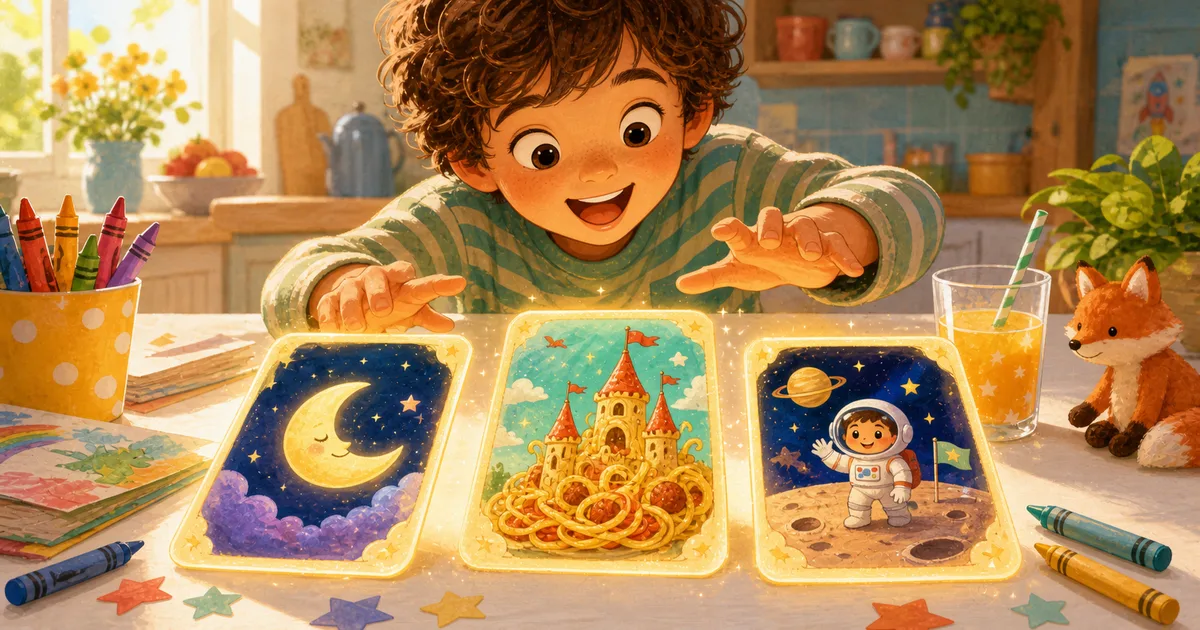
Every parent knows the moment.
Your child is halfway through putting on pajamas when they suddenly announce, with total seriousness, that a dragon needs to go to school tomorrow. Or a bunny should live on the moon. Or a sandwich should become mayor.
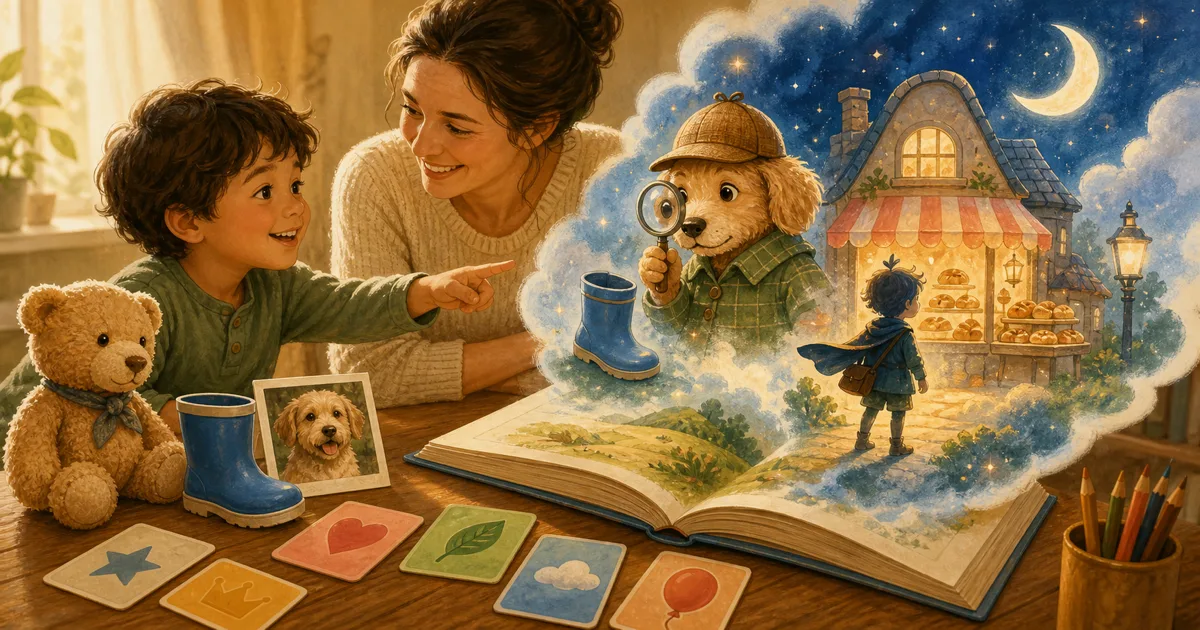
That is the kind of imagination Storybox was built for. It is a kids story app where children can create their own stories by speaking an idea out loud, then read the finished illustrated story with a grown-up.
Quick take
Storybox is for families who want screen time to feel more creative, more personal, and more connected to reading.
| What kids do | What Storybox makes | What families get |
|---|---|---|
| Say a story idea out loud | A short illustrated story | Something to read together |
| Try silly prompts | A saved story library | Favorites to revisit |
| Create from imagination | Age-aware story text | A calmer alternative to endless scrolling |
It starts with a child's own idea
We did not want Storybox to begin with a worksheet or a search bar. Kids already know how to tell you what is in their head. They just need a friendly place to put it.
So the first step is simple: tap the microphone and say an idea.
"A dinosaur who is scared of butterflies."
"A tiny astronaut who forgot her lunch."
"A fox who finds a lantern in the woods."
The idea does not need to be perfect. In fact, the slightly odd ones are often the most fun. Storybox takes that starting point and turns it into a picture-book style story with pages to read through together.
Why this feels different from passive screen time
A lot of kids content asks children to sit back and watch. Storybox asks them to begin.
That one difference changes the mood. Your child is not just choosing the next video or tapping through a feed. They are making something, waiting for it, reading it, and often talking about it afterward.
We think that is where positive screen time gets interesting. Not because the screen is magic on its own, but because it can become a bridge back to conversation:
- "Why did the dragon do that?"
- "Should we make another story with the same character?"
- "Can we send this one to Grandma?"
Those are the little moments we care about.
Built for parents, grandparents, and teachers too
Storybox is playful for kids, but it is not designed as a kid-only corner of the internet.
Parents set things up. Families choose reading levels. Parent-facing areas stay behind a PIN. Stories are saved so they can be reread, not lost the second the screen changes.
For grandparents, Storybox can be a way to read something that feels made for a specific child. For teachers, it can be a quick spark for creative writing, read-aloud time, or a classroom conversation about story ideas.
If you want the full safety and privacy overview, start with our parents page or FAQ.
Try this tonight
If your child is new to Storybox, do not ask for "a good story idea." That can feel too big.
Try this instead:
Pick one character, one place, and one funny problem.
Examples:
- A penguin in a bakery who cannot stop sneezing flour
- A robot at the beach who is afraid of sand
- A sleepy unicorn who keeps turning pillows into pancakes
That is enough. The best first Storybox story is not the most polished one. It is the one that makes your child lean over and say, "Wait, what happens next?"
Start with the story already in their head
Storybox is available on the App Store for families who want a warmer way to create your own stories with kids.
Download Storybox, ask for one wonderfully specific idea, and read what happens next.